
You are a member
Shared by the group: Ultra 20x · 30 TB · credit pool
- Shop · manager, keeps Ultra
- You · 1 member place
- Other members
 ChugAx
SELECTED PLAN · ORDER GUIDE
Private Google Colab Pro+ account provided by the shop, preloaded with 1,500 compute units (CU) for GPU/TPU use until the end of the purchase month. On-request stock: the Telegram bot confirms availability before you pay.
Private Google Colab Pro+ account provided by the shop, preloaded with compute units. One user, valid until the end of the purchase month; the account is revoked at month end and data is not retained, so back up notebooks and data yourself.
The Telegram bot confirms the final amount and payment method before you transfer.
A private Google Colab Pro+ account provided by the shop, preloaded with compute units. One user, valid until the end of the purchase month; the account is revoked at month end and data is not retained.
GOOGLE FAMILY · PLAN SHARING
One Google AI Ultra 20x plan is shared by the whole Family group, up to 6 accounts: 1 manager and 5 members. Ultra benefits, 30 TB and the credit pool belong to the whole group, not a separate plan for each person. With this plan, you take the role below.
Shared by the group: Ultra 20x · 30 TB · credit pool
Shared by the group: Ultra 20x · 30 TB · credit pool
Country rules: the shop’s groups are in Vietnam, so customers abroad buying a member plan need a Vietnamese IP when they accept the invite. With Full Family, the people you invite must be in the same country as you. See all requirements
Go from plan details to Telegram in order. You can reopen any step.
A private Google Colab Pro+ account provided by the shop, preloaded with compute units. One user, valid until the end of the purchase month; the account is revoked at month end and data is not retained.
Change the password on receipt, enable 2-step verification, limit sign-ins across IPs and devices, and do not share the account.
You do not need to prepare Gmail: the shop provides a private account. Read the two items below before ordering.
The Telegram bot sends the account email and password after payment is confirmed. Change the password and enable 2-step verification immediately; do not change other account details.
Back up notebooks, checkpoints, and data to your personal Google Drive or own device after important sessions, especially during the last 3 days of the month.
Open flow.google.com with the email you plan to use and try creating one image and one video, or check that the email can use Antigravity. If it fails or is restricted, tell the admin before paying; upgrading to Ultra does not fix email problems.
Open Flow to test images and videoWhen the invitation arrives by email, accept it as usual.
Family member plans: you must switch your IP to Vietnam when you accept the family invitation; a free VPN such as Urban VPN works. A Vietnam IP is needed only at the moment you accept, not at other times.
Full Family plans: you must declare the country you are currently in. Once you are the manager, you invite the other members; they must be in the same country as you when they join.
Check with the exact Gmail you want to register. If your phone or computer is signed in to several accounts, switch to that account (profile picture in the top-right corner) before checking.
Open the Family page with the email you intend to use and check your current role. Family member and Full Family have different requirements:
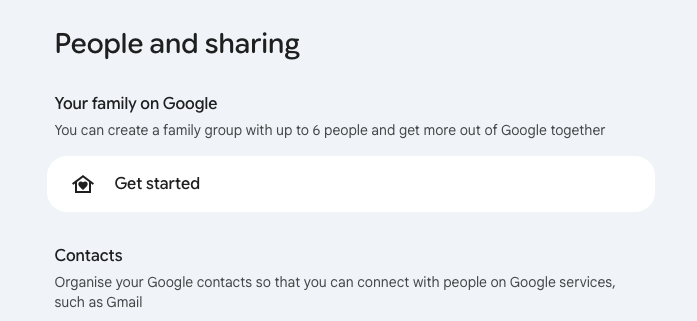
Check your payments profile and active Google subscriptions. Close the profile only after you understand the effect and the admin has guided you. If you cannot close the payments profile, you must prepare a different Gmail account to register.
Open payment settings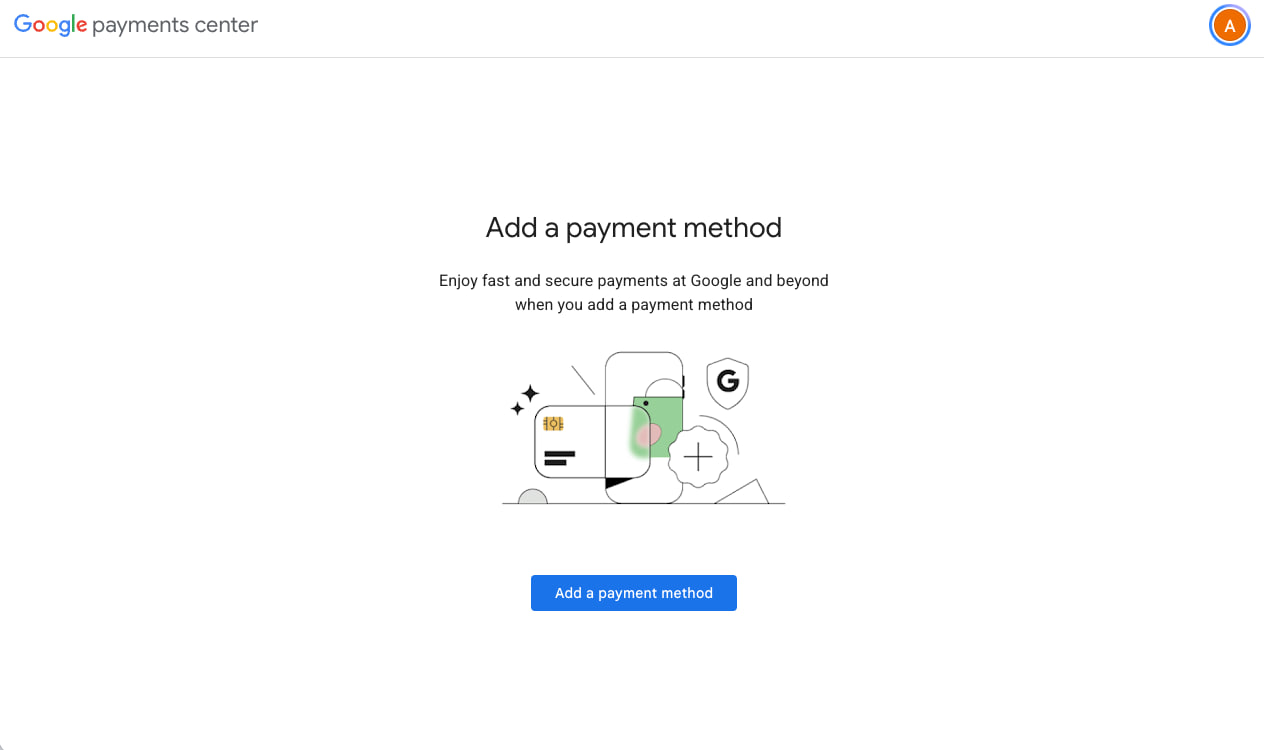
Closing a payments profile permanently removes its transaction/payment information, and that profile cannot be reopened. It affects Google purchases; read the official guidance before confirming.
The shop never asks for your personal Gmail password, OTP, or recovery code.
During the month, if the account cannot be accessed, Pro+ access is lost, or unused compute units are lost through no fault of yours, the shop refunds unused days: account price × remaining days ÷ total days in the month. The report date counts as unused. Refund within 3 business days after confirmation. You may choose a replacement account, with the refund credited against its price. Report within 24 hours with account email, screenshot, and time. No warranty for month-end revocation, used units or days, account data, or policy violations. Maximum liability per incident is the amount paid for that account that month.
Change the password on receipt, enable 2-step verification, limit sign-ins across IPs and devices, and do not share the account.
Open the bot and select the exact plan and term. The bot confirms the final amount, account eligibility and payment method. Transfer only using details confirmed in the bot.
No Telegram? Message the shop directly
This page does not create an order or accept payment. Ordering and payment happen in Telegram.
After the Telegram bot confirms payment, the shop hands over the account the same day, within 24 hours. Sign in, change the password, enable 2-step verification, then check your compute units in Colab.
You can buy another account. Unused compute units do not carry over.
The account is revoked, possibly during the night of the 30th–31st, and data is not retained. Back up your data.
Limit devices and IPs, enable 2-step verification, and tell the shop if Google requests verification.
By default, the shop refunds unused days. You may choose a replacement account, with the refund credited against its price.