
You are a member
Shared by the group: Ultra 20x · 30 TB · credit pool
- Shop · manager, keeps Ultra
- You · 1 member place
- Other members
 ChugAx
SELECTED PLAN · ORDER GUIDE
You manage the Family; 5 members share a credit pool the shop refills.
You are the family manager and add or remove members. Unlimited Credit: when credits run out, the shop refills them, with no limit on refills.
The Telegram bot confirms the final amount and payment method before you transfer.
The 25,000 monthly credits and 30 TB belong to your plan; you can invite up to 5 more people into your family group to share them.
GOOGLE FAMILY · PLAN SHARING
One Google AI Ultra 20x plan is shared by the whole Family group, up to 6 accounts: 1 manager and 5 members. Ultra benefits, 30 TB and the credit pool belong to the whole group, not a separate plan for each person. With this plan, you take the role below.
Shared by the group: Ultra 20x · 30 TB · credit pool
Shared by the group: Ultra 20x · 30 TB · credit pool
Country rules: the shop’s groups are in Vietnam, so customers abroad buying a member plan need a Vietnamese IP when they accept the invite. With Full Family, the people you invite must be in the same country as you. See all requirements
Go from plan details to Telegram in order. You can reopen any step.
You manage the Family; 5 members share a credit pool the shop refills.
No limit on refills: the shop refills the credit pool whenever it runs out, between 10:00 and 21:00 GMT+7, 2–3 hours apart.
Email eligibility decides whether the plan can be activated, whether the warranty applies and whether you can create images and video. An ineligible email may not be upgraded and is not covered by the warranty. Check every item below before paying.
Use a personal email you control. Check these items before sending details to the shop.
Must be an @gmail.com address created at least 6 months ago, with a recovery phone number and a recovery email. Do not use work or school accounts.
Check account securityFamily member: the shop’s family groups are in Vietnam, so customers outside Vietnam must switch their IP to Vietnam when accepting the invitation. Full Family: you are the manager, and the members you invite must be in the same country as you. The manager must be 18 or older; joining and switching groups must meet Google’s rules.
Manage your own password and recovery methods. Do not share passwords, OTPs or recovery codes with others.
Before joining the Ultra family group, the Gmail must not have any personal Google One plan. If it does, delete the personal plan at myaccount.google.com/deleteservices or use a different Gmail.
Delete a personal planThe Gmail has not had a personal YouTube Premium subscription, or YouTube Premium shared through a family plan, in the last 12 months.
Open flow.google.com with the email you plan to use and try creating one image and one video, or check that the email can use Antigravity. If it fails or is restricted, tell the admin before paying; upgrading to Ultra does not fix email problems.
Open Flow to test images and videoWhen the invitation arrives by email, accept it as usual.
Family member plans: you must switch your IP to Vietnam when you accept the family invitation; a free VPN such as Urban VPN works. A Vietnam IP is needed only at the moment you accept, not at other times.
Full Family plans: you must declare the country you are currently in. Once you are the manager, you invite the other members; they must be in the same country as you when they join.
Check with the exact Gmail you want to register. If your phone or computer is signed in to several accounts, switch to that account (profile picture in the top-right corner) before checking.
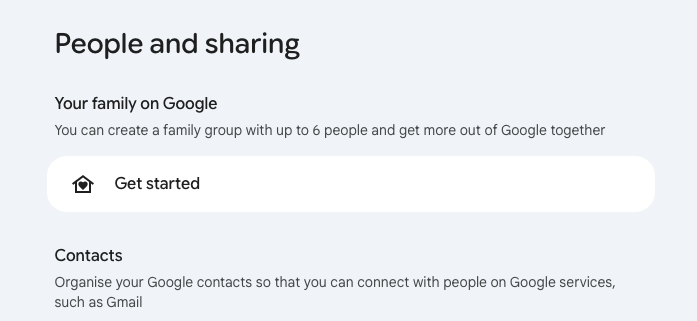
Open the Family page with the email you intend to use and check your current role. Family member and Full Family have different requirements:
Check your payments profile and active Google subscriptions. Close the profile only after you understand the effect and the admin has guided you. If you cannot close the payments profile, you must prepare a different Gmail account to register.
Open payment settings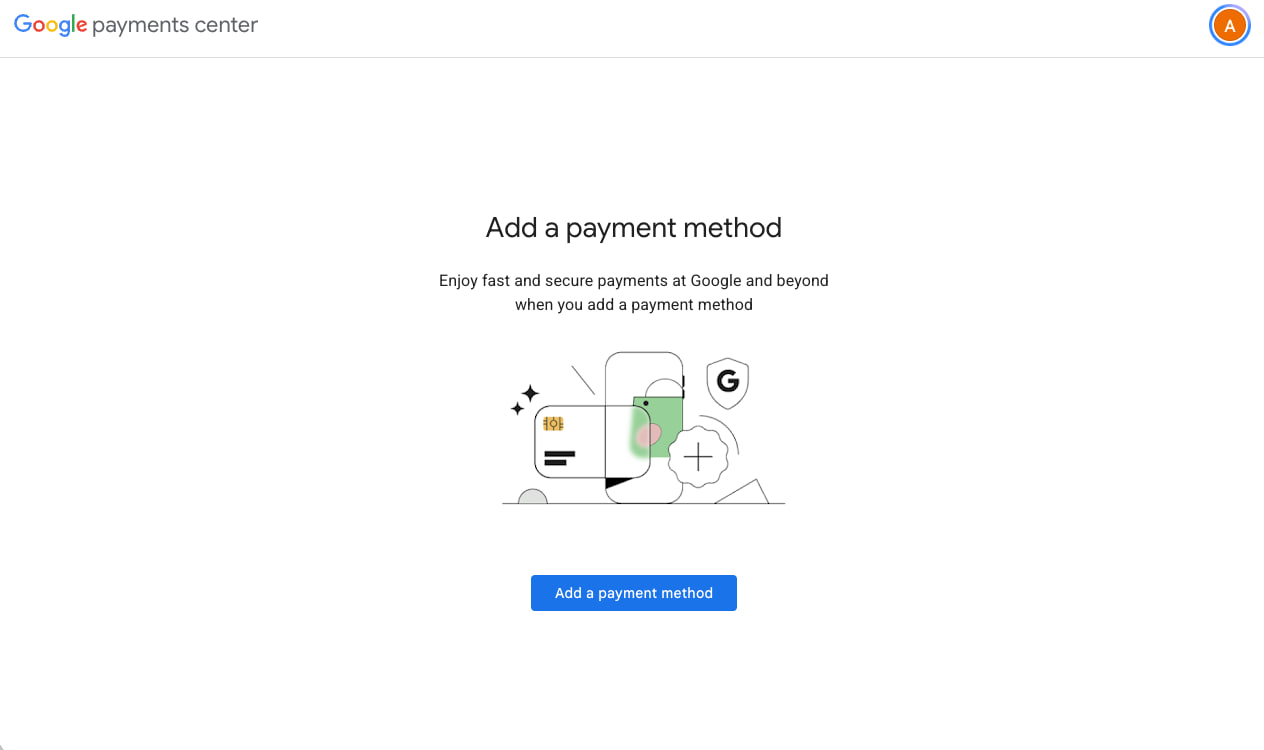
Closing a payments profile permanently removes its transaction/payment information, and that profile cannot be reopened. It affects Google purchases; read the official guidance before confirming.
Never send your password, OTP or recovery codes.
If the problem comes from the shop’s account, the shop restores the Unlimited Credit plan; if it cannot, it refunds you for the unused time. Problems with your own Gmail are not covered (see the cases below).
Applies to Full Family (25,000 credits/month) and Full Family Unlimited Credit, where you manage the Family. The cases below are not covered by the warranty.
The customer’s manager account is disabled, its password is lost, or it cannot be accessed to verify Ultra benefits.
The customer removes the shop’s subscription account from the Family, causing the group to lose shared benefits.
The Family manager account was disabled and later restored after an appeal, but the Family no longer has Ultra benefits.
No fee is charged when warranty service is declined. Contact the admin to check an issue before changing your Family. Possible assistance does not guarantee restoration of the plan.
Open the bot and select the exact plan and term. The bot confirms the final amount, account eligibility and payment method. Transfer only using details confirmed in the bot.
No Telegram? Message the shop directly
This page does not create an order or accept payment. Ordering and payment happen in Telegram.
Once the bot confirms payment, send your email and the information requested there. Keep the order confirmation and start/end dates.
If credits run out during the month, contact the bot for a refill during 10:00–21:00 GMT+7. Consecutive refills are 2–3 hours apart; this differs from the 1–3 day activation time.
There is no limit on refills: when credits run out, the shop refills them. Each task still uses credits, and Google/Flow limits can still apply.
Between 10:00 and 21:00 GMT+7, Vietnam time. Tell the bot when credits run out; consecutive refills are 2–3 hours apart, not an instant 24/7 service.
Yes. Credits work for both Veo 3 and Gemini Omni Flash in Flow. Each generation or edit still uses credits based on the model and feature.
You manage the Family and invite up to 4 members; all 5 members share a credit pool refilled whenever it runs out. Keep the shop’s subscription account in the Family.
The listed price is 40.000.000 VND for one month; the bot confirms the final amount. Problems with your own Gmail are not covered. If the problem comes from the shop’s account, the shop restores the plan; if it cannot, it refunds you for the unused time.
Yes. Antigravity works with this plan, and Google’s latest models, including Gemini 4 Argon, are supported. Usage still follows Antigravity quotas and Google’s policies.